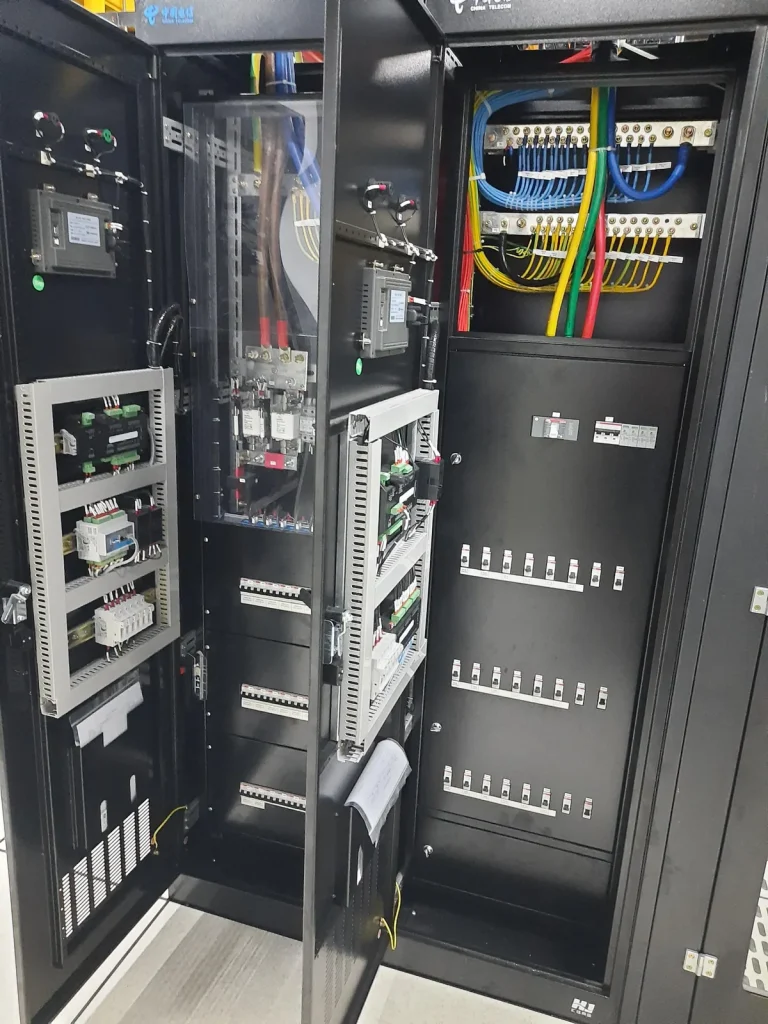
Can a shipping container wall support a server rack?
A wall-supported rack is possible when the cabinet, brackets, fixings and supporting container structure have been checked as one assembly for the proposed load. Corrugated wall sheet should not be assumed to provide that support. The design may transfer the load through an internal frame or verified connections to suitable structural members. Choosing a floor-standing cabinet changes the rack load path; it does not remove the structural check. Rack feet can impose concentrated loads on a small area. Inspect the floor and its supporting members, then verify the base, any load spreader and the restraint connections for that container. A plate resting on damaged flooring is not an engineered load path. The IMO/ILO/UNECE CTU Code distinguishes distributed container loading from concentrated loads. Its transport guidance helps explain why a gross payload or wall rating cannot be reused as a local rack-fixing rating; it does not approve a stationary server installation.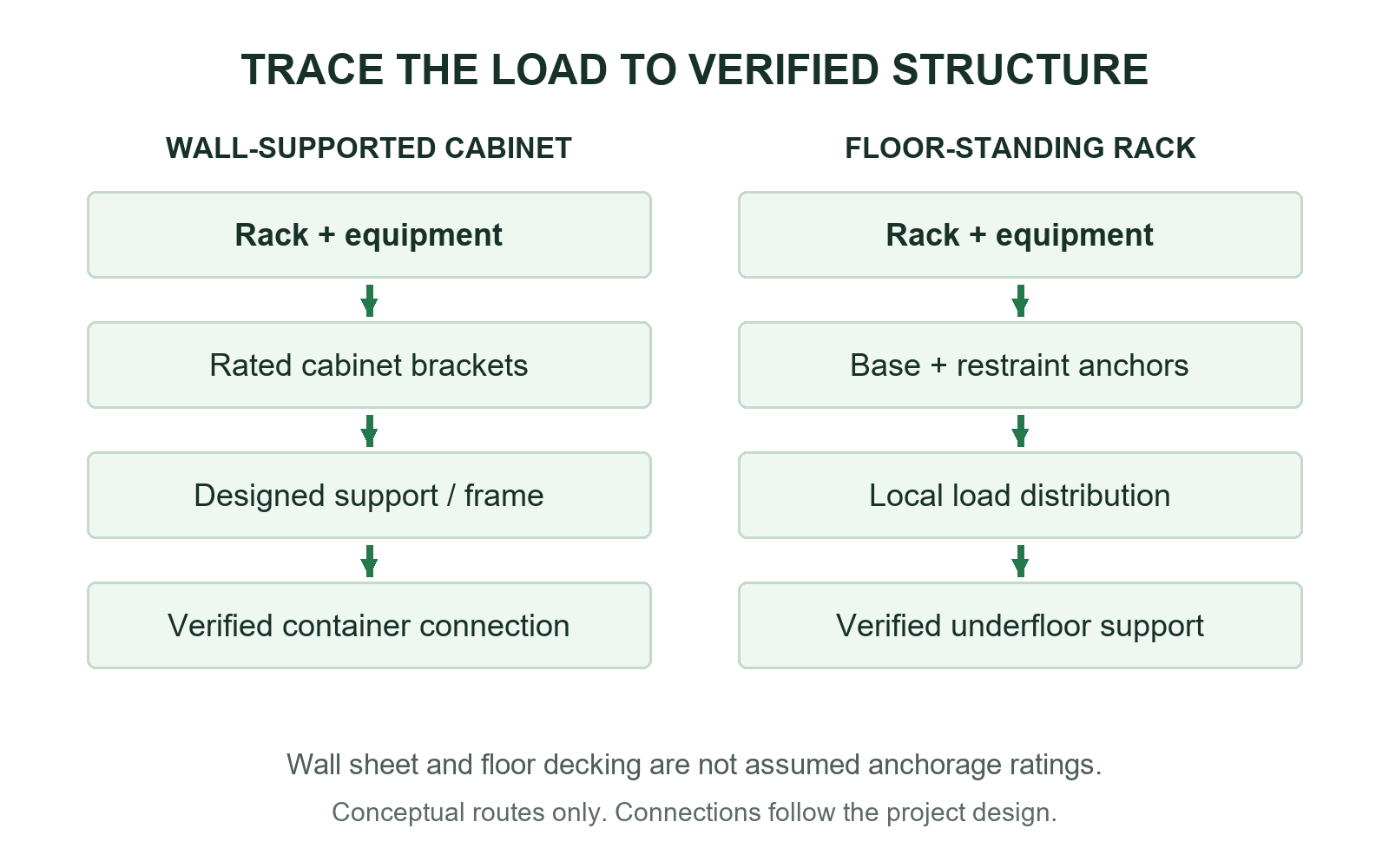
Measure the space needed to remove a server
Measure the usable interior after insulation, lining and installed services, rather than starting from the container’s external dimensions. Mark the rack body, door swings, plugs, cable bends and the route through the container doors. A cabinet that fits while closed may leave no room to withdraw its deepest server. Check the service position too. Extending a heavy device moves the combined centre of gravity and changes the overturning demand. Use the selected rack’s approved anchorage or anti-tip arrangement and follow its loading and rail-extension instructions. Keeping heavy items low can help the balance, but it does not replace the required restraint. Keep cable trays, supports and nearby cabinets out of the equipment-removal route. Support cables so that service movement does not pull on connectors, and preserve a usable exit path. These front and rear spaces also determine whether equipment can draw in cool air and discharge heat without obstruction.How do you cool a server rack inside a shipping container?
Provide cooling that can maintain the specified equipment inlet air conditions at the design load and ambient conditions. For front-to-rear equipment, deliver supply air to the rack front and provide a return path from the rear. Follow the actual airflow direction of each device; not every switch or power unit moves air the same way. The DOE data-center design guide explains why separating intake air from hot exhaust matters. In a small container, a rear cable bundle, an open bypass path or a poorly placed cooling outlet can send hot air back to the inlet. An average room-temperature reading can miss that local problem. The cabinet cooling guide covers the related enclosure airflow principles.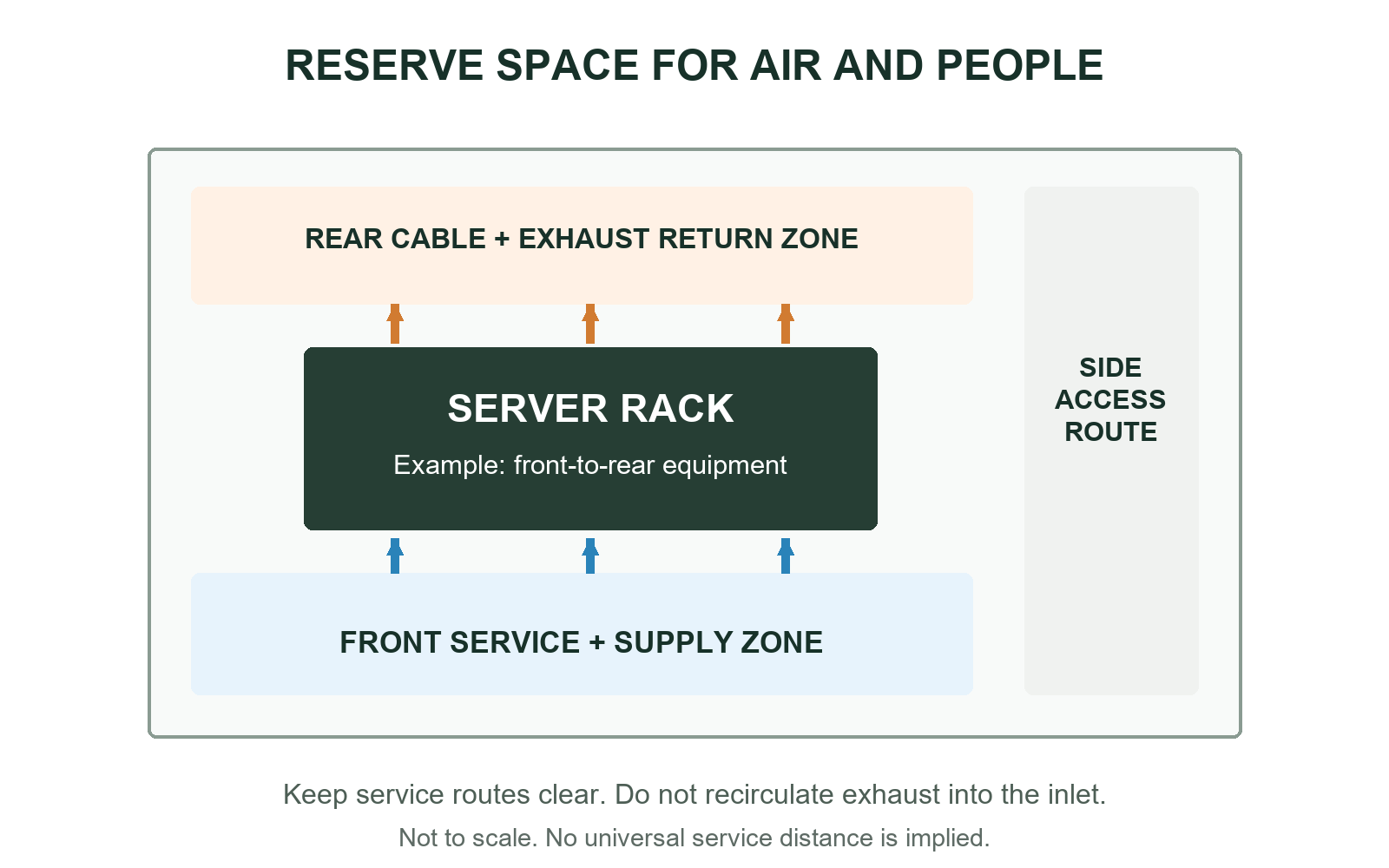
Build the support before loading the rack
Once the support details and layout are approved, install the specified support, then position, level and secure the empty rack using the rack and fixing instructions. Use appropriate handling equipment, and complete the required connection and tightening checks before loading. Install the equipment and retainers in the permitted sequence, route the cables, and recheck the finished arrangement against the planned service spaces and air paths.What must be checked before the rack is energised?
Complete the mechanical and electrical installation checks before energising the rack, then verify operation under a planned load sequence. The mechanical review should confirm the specified connections, alignment, condition and service access. A visual stability check can reveal obvious problems, but it does not replace structural verification. Do not use an improvised proof-load test to establish the installation’s capacity. Coordinate the supply, circuit protection, PDUs, isolation and protective bonding for the actual electrical arrangement. Follow the selected Huijue equipment manuals for its supply and protective connections, alongside the rack and container requirements. Painted joints, hinges or casual metal contact should not simply be assumed to provide the required fault-current path. A ground rod alone is not a substitute for the designed protective connections and fault-clearing arrangement. With the installation complete, check the physical changes that could defeat the design:- Verify that the specified rack and equipment retainers are fitted, and that added devices have not changed the approved loading arrangement.
- Demonstrate the required service movements without straining cables, blocking an exit or defeating the stabilising arrangement.
- During staged commissioning, inspect inlet conditions, hot-air return and power behaviour at representative operating loads; record the conditions actually tested.
- If the populated container will be moved, separately verify the rack, rails, equipment retention and transport restraints for the agreed movement. Stationary operation is not transport qualification.